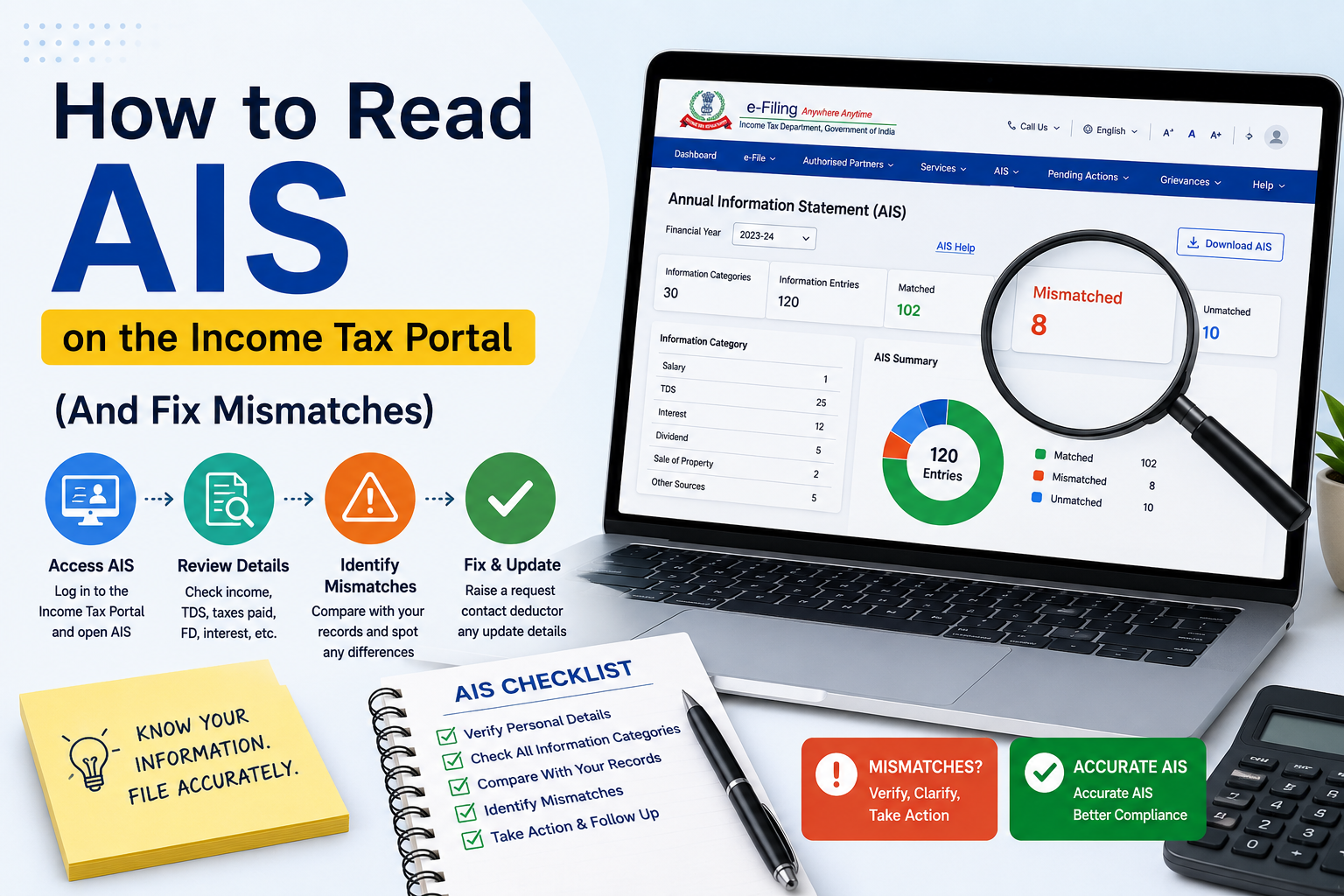
What is AIS?
The Annual Information Statement (AIS) is a consolidated view of financial transactions reported to the Income Tax Department by banks, employers, mutual funds, registrars, and other entities. It helps you cross-check income before filing your ITR.
AIS vs Form 26AS — what's the difference?
Form 26AS mainly shows TDS/TCS credits and some high-value transactions. AIS is broader — it includes interest, dividends, rent, purchase/sale of securities, foreign remittances, and more. Always review both before filing.
How to access AIS
- Log in to incometax.gov.in
- Go to Services → AIS (Annual Information Statement)
- Select the relevant financial year
- Download the PDF or view the online summary
Common AIS entries taxpayers miss
- Savings account interest (even if TDS was not deducted)
- Dividends from shares and mutual funds
- Capital gains from stock sales reported by brokers
- Cash deposits or high-value purchases
- Rent received (if reported by tenant or registrar)
What if AIS shows wrong information?
You can submit feedback on incorrect entries directly in the AIS module — choose "Information is not correct" and provide details. The department may update records or ask the reporting entity to revise data. Do not ignore mismatches; unreported AIS income is a leading cause of scrutiny notices.
Best practice before ITR filing
Compare AIS + Form 26AS with your bank statements and Form 16. Report every taxable item even if TDS is zero. Claim all eligible deductions with proper proof. If the data looks complex, a professional review takes less than an hour and can save months of notice follow-up.
AONETAX helps individuals and businesses reconcile AIS, choose the right ITR form, and file with expert review. Contact us online or at any branch for a quick compliance check.